Photo Size Converter: cm, mm, Inches and Pixels at 300 DPI
Online forms ask for pixels, printing shops work in millimetres, and some countries use inches. This guide shows how to convert between them and gives the pixel size for common photo sizes at 300 DPI.
The conversion rules
- 1 inch = 25.4 mm = 2.54 cm
- Pixels = inches x DPI. At 300 DPI, 1 inch = 300 pixels
- Pixels at 300 DPI = mm / 25.4 x 300
Common sizes at 300 DPI
| Size | In mm | In inches | Pixels at 300 DPI |
|---|---|---|---|
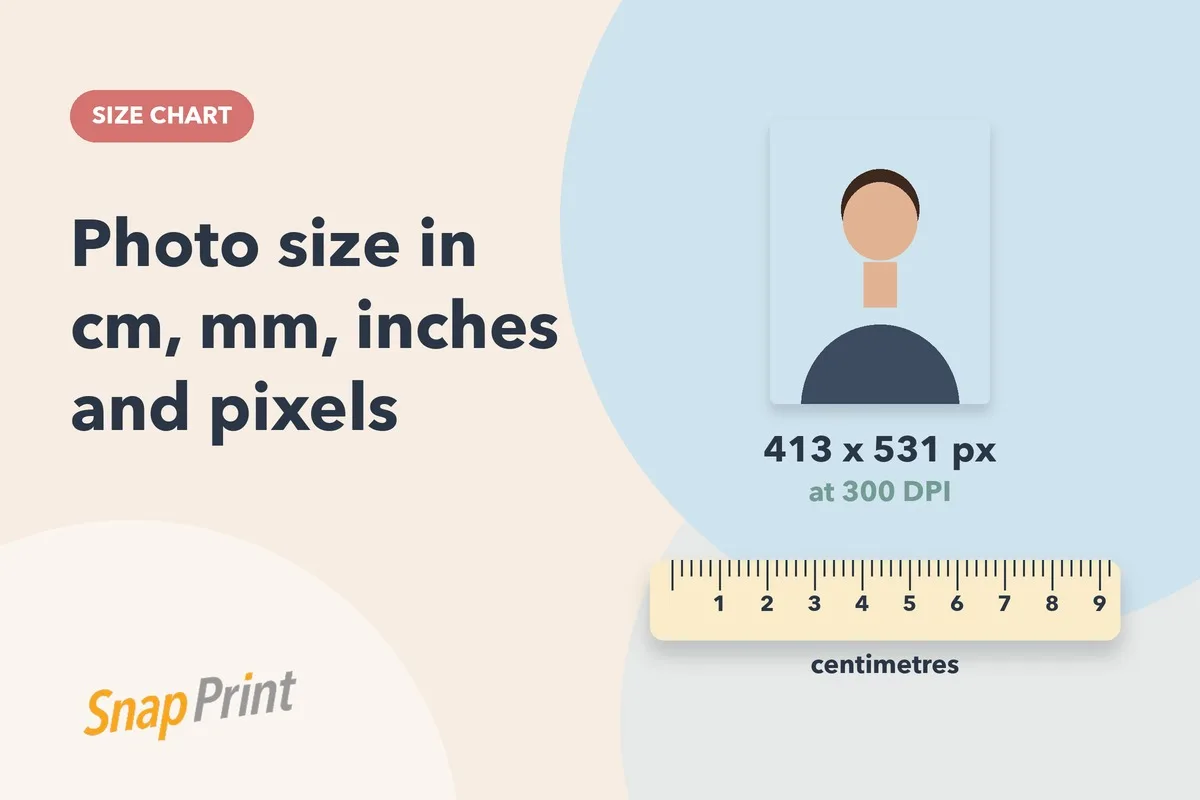
| 35 x 45 mm | 35 x 45 | 1.38 x 1.77 | 413 x 531 |
| 2 x 2 inch | 51 x 51 | 2 x 2 | 600 x 600 |
| 50 x 70 mm | 50 x 70 | 1.97 x 2.76 | 591 x 827 |
| 35 x 25 mm | 35 x 25 | 1.38 x 0.98 | 413 x 295 |
Pixel values are rounded to the nearest pixel.
Why DPI matters
DPI only matters for print. If a form asks for a fixed pixel size, give it exactly that. If you are printing, a higher resolution original gives a sharper result.
Common mistakes
- Resizing a small photo upward makes it blurry
- Using a screenshot instead of the original file
- Mixing up width and height
Not sure which size your form needs? See the India passport photo dimensions guide or resize a photo without Photoshop.
How to convert any size yourself
- Get the size in millimetres. If you have cm, multiply by 10. If you have inches, multiply by 25.4.
- Divide by 25.4 to get inches.
- Multiply by 300 for pixels at 300 DPI.
Example: 35 mm / 25.4 = 1.378 inches, and 1.378 x 300 = 413 pixels.
Which DPI should you use?
300 DPI is the standard for photo prints and the most common figure for passport photo specifications. Some online portals only care about the final pixel width and height and ignore DPI. If a form gives you a pixel range, stay inside it.
Cropping without distorting
Always crop to the right shape first, then resize. If you stretch a photo to fit a different shape, faces look wide or thin and the photo can be rejected. A crop that keeps the original proportions never distorts.
Check the file, not just the size
- Match the file type the form asks for
- Respect any maximum file size limit
- Save with a modest compression so the face stays sharp
Printing sizes at a glance
For prints, the physical size matters more than pixels. Always measure a test print with a ruler before you attach photos to a form. If your photo is a few millimetres off, it may be refused at the counter.
Need prints? Upload your photo and order passport size prints from ₹99. We edit the background, print on photographic paper and deliver across India.
Frequently asked questions
What is 35 x 45 mm in pixels?
At 300 DPI it is about 413 x 531 pixels.
How many pixels is 2 x 2 inches?
600 x 600 pixels at 300 DPI.