Passport Photo Rejected? 10 Common Reasons and How to Fix Them
A rejected photo costs you time, not just money. Most rejections come from a handful of avoidable problems. Here are the ten we see most often and how to fix each one before you print again.
1. Wrong size
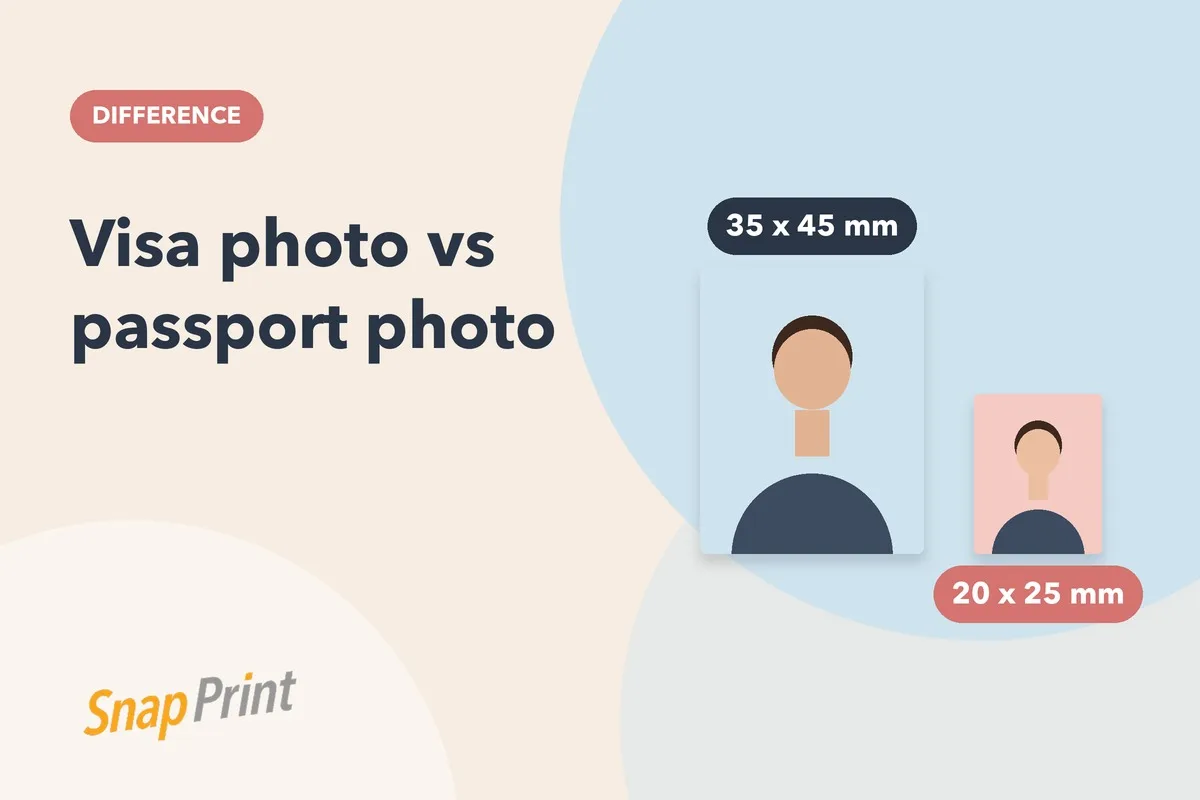
The most common reason. Passport, visa, OCI and PAN forms ask for different sizes, and a photo cut for one is often wrong for another. Check the exact size on your form, then see our size guide in cm, mm and pixels.
2. Wrong background colour
Most applications want a plain, light background, and some countries ask for white while others accept light grey or blue. Read background colour by country before you shoot.
3. Shadows on the face or background
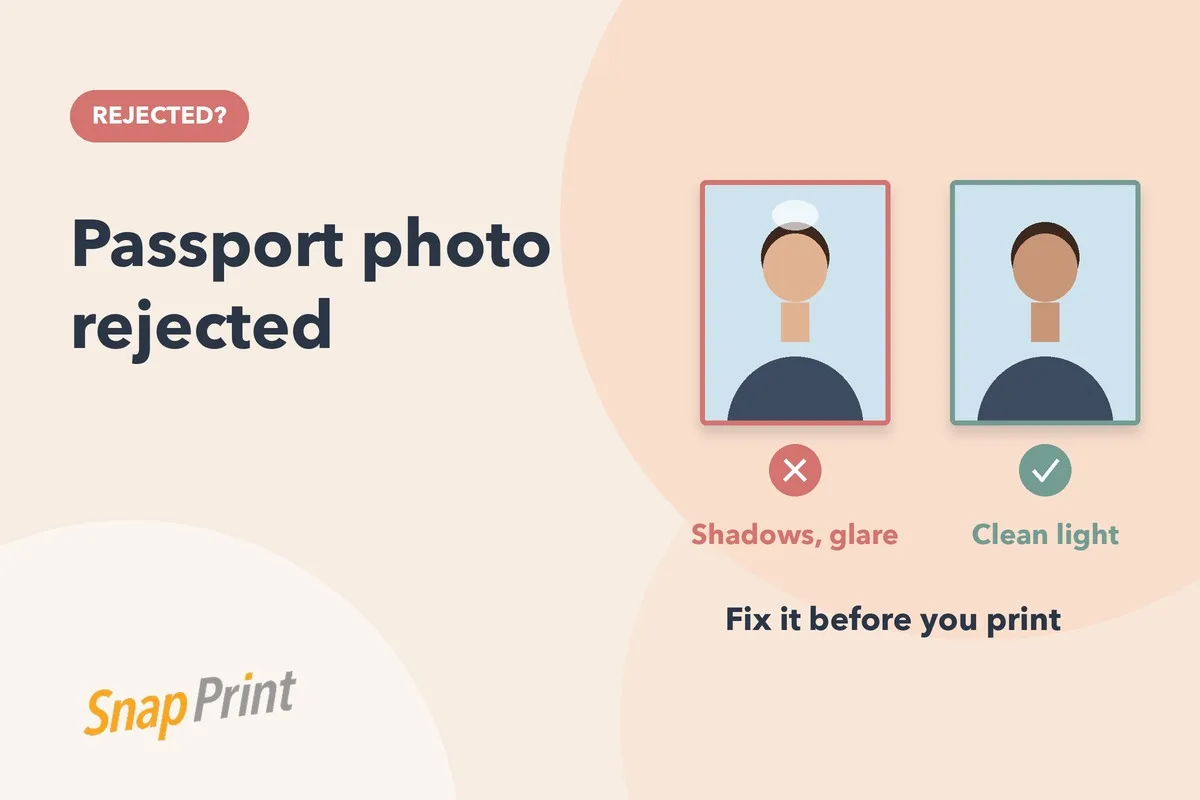
A shadow behind your head or across one cheek is a frequent cause. Face a window in daylight, stand a little away from the wall, and avoid overhead lamps.
4. Glare on glasses or skin
Reflections hide the eyes. Tilt your glasses slightly down, or take them off if the rules allow it. For shiny skin, stand in soft light rather than direct flash.
5. Blurry or low resolution image
A photo that looks fine on a phone can fall apart at print size. Use the original file from your camera, not a screenshot or a copy sent through a chat app.
6. Head too big or too small
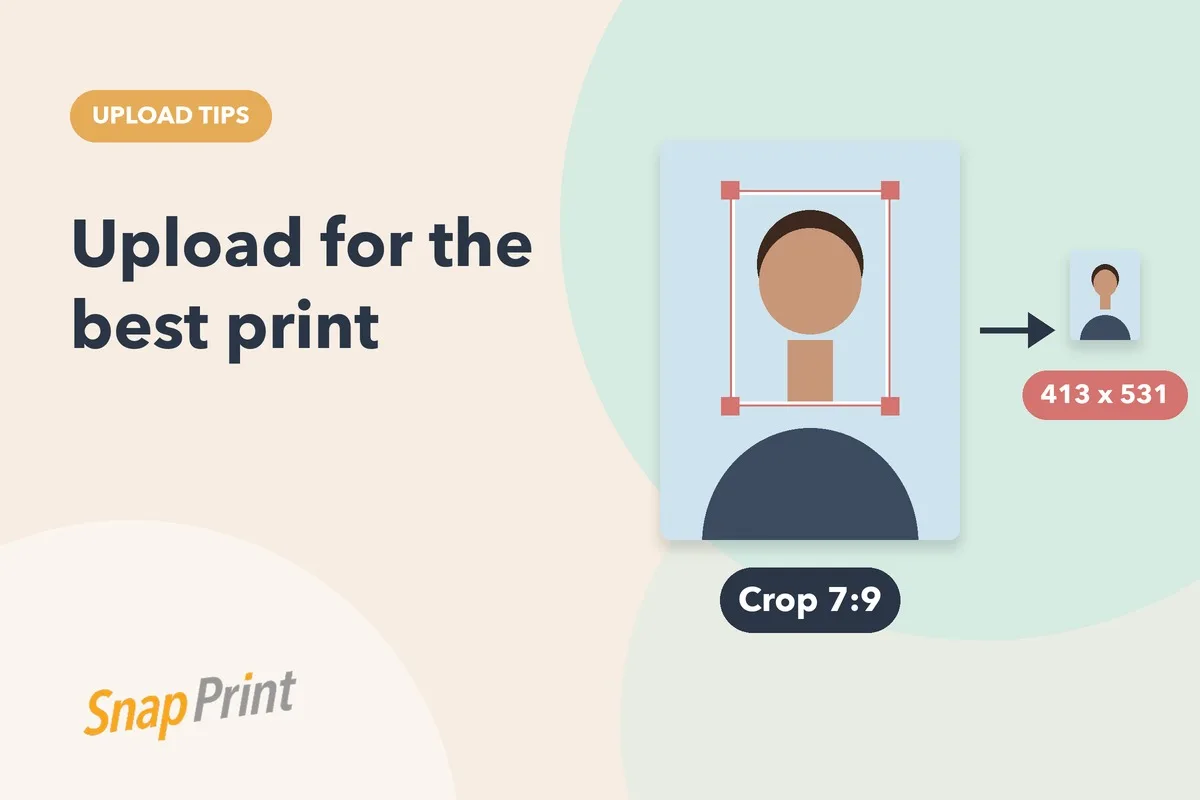
Forms specify how much of the frame your face should fill. If you are unsure, upload your photo to us and we will crop it to the size you choose.
7. Not looking straight at the camera
Keep your head level, shoulders square and eyes open. A tilt of a few degrees is enough to be questioned.
8. Strong expression
Aim for a neutral face with the mouth closed. Smiling widely or raising your eyebrows can trigger a rejection.
9. Over-edited photos
Heavy retouching, filters or skin smoothing make a photo unusable. Simple background and brightness fixes are fine; changing how you look is not.
10. An old photo
Photos are expected to be recent. If your appearance has changed, take a new one.
Quick pre-print checklist
- Right size for this exact form
- Plain background in the colour required
- Even light, no shadows or glare
- Sharp original file
- Neutral face, eyes open, looking straight ahead
How to retake a photo at home in five steps
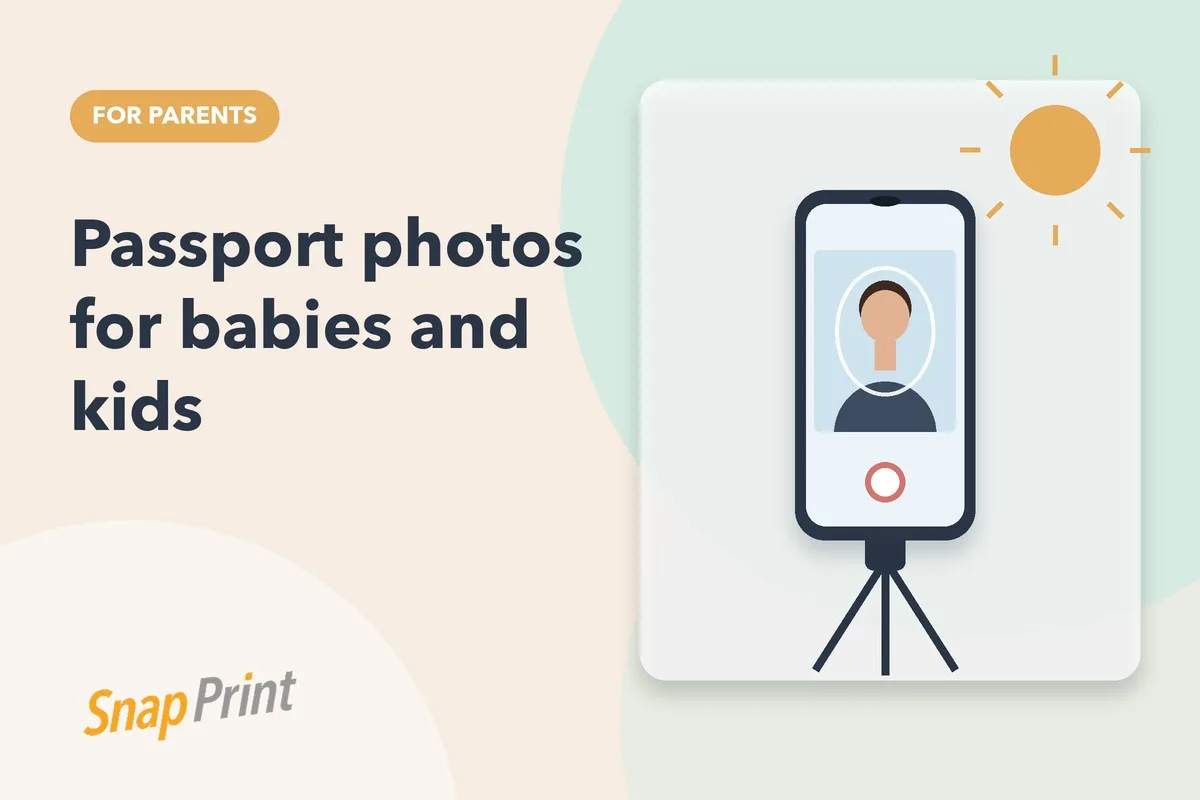
- Pick the spot. Stand facing a window with a plain light wall behind you. Move about a step away from the wall so your shadow falls on the floor, not the wall.
- Set the camera. Put the phone at eye level on a shelf or tripod. Use the rear camera and a timer so you do not have to hold it.
- Check the frame. Your head and shoulders should be centred with a little space above your head. Do not tilt the phone.
- Take ten shots. Keep a neutral face, mouth closed, eyes open and looking into the lens.
- Choose the sharpest one. Zoom in on your eyes. If they look soft, discard it.
What we can fix and what we cannot
Some problems can be repaired after the photo is taken and some cannot. Background colour, mild brightness problems and cropping to the right size are normal edits. A blurry face, closed eyes, a strong shadow across the face or a head turned to one side cannot be repaired honestly, and a new photo is the right answer. Edits that change your appearance can cause a rejection of their own, so we stay away from them.
Printing mistakes that look like photo mistakes
Sometimes the photo is fine and the print is the problem. Home printers can produce banding, colour casts or the wrong dimensions if the page is scaled to fit. Ordinary paper also curls and smudges. Photo prints on proper photographic paper avoid most of this, and you can check the finished size with a ruler before you attach it to a form.
Need prints? Upload your photo and order passport size prints from ₹99. We edit the background, print on photographic paper and deliver across India.
Frequently asked questions
Can you fix a rejected photo?
If the problem is the size, background or brightness, yes. Upload your photo and we edit and print it. If the photo itself is blurry or badly lit, a new photo is the safer fix.
Where do I check the rules?
Always use the official instructions for your application or embassy. Rules differ by document and can change.
Related: passport photo sizes in cm, mm and pixels, background colour by country and how many photos you need.