How to Upload a Photo for Printing: Get the Sharpest Passport Prints
The quality of your print depends mostly on the file you upload. A few simple habits give a much sharper result.
Use the original file
Pick the photo straight from your phone or camera gallery. Copies sent through chat apps are often compressed and lose detail.
Avoid screenshots
A screenshot is low resolution and often includes interface edges. Always use the original image.
Shoot a front-facing portrait
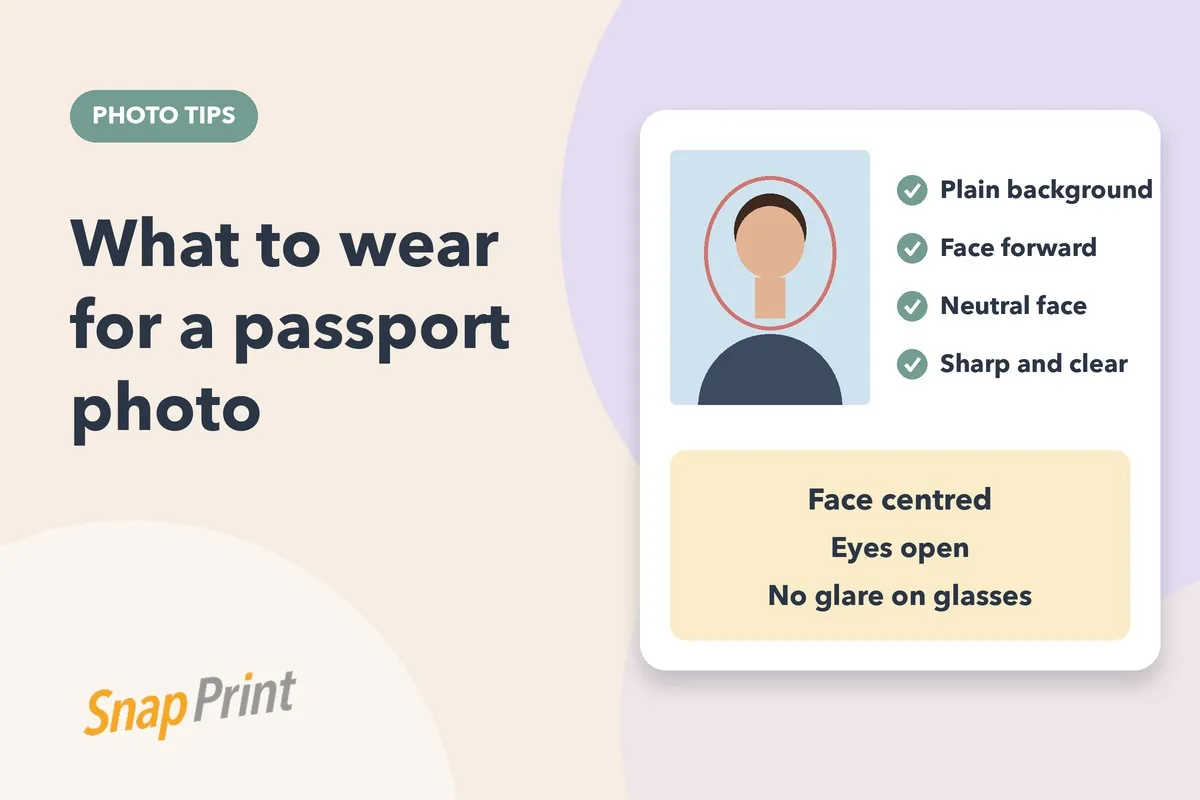
Look straight at the camera, keep your head level and leave a little space around your head and shoulders so we can crop to the size you need.
Use even, soft light
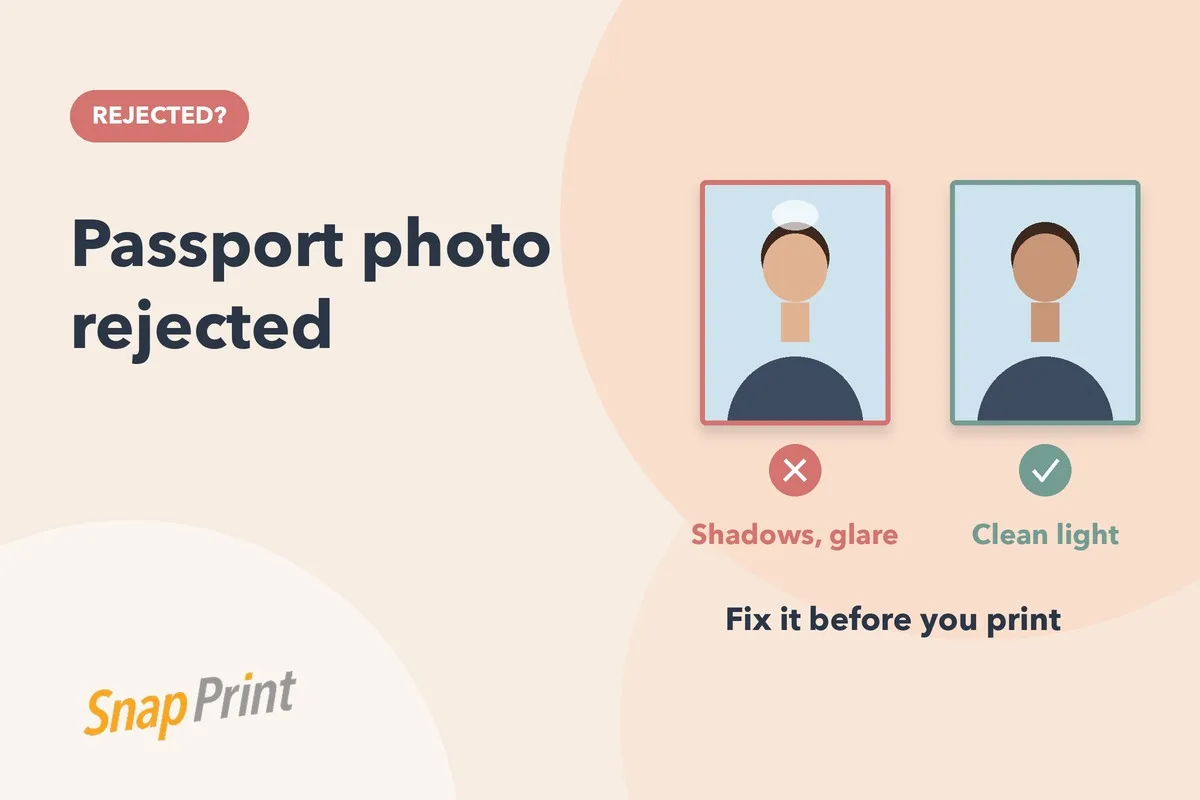
Face a window in daylight. Avoid harsh sun, flash and overhead lamps.
Keep it sharp
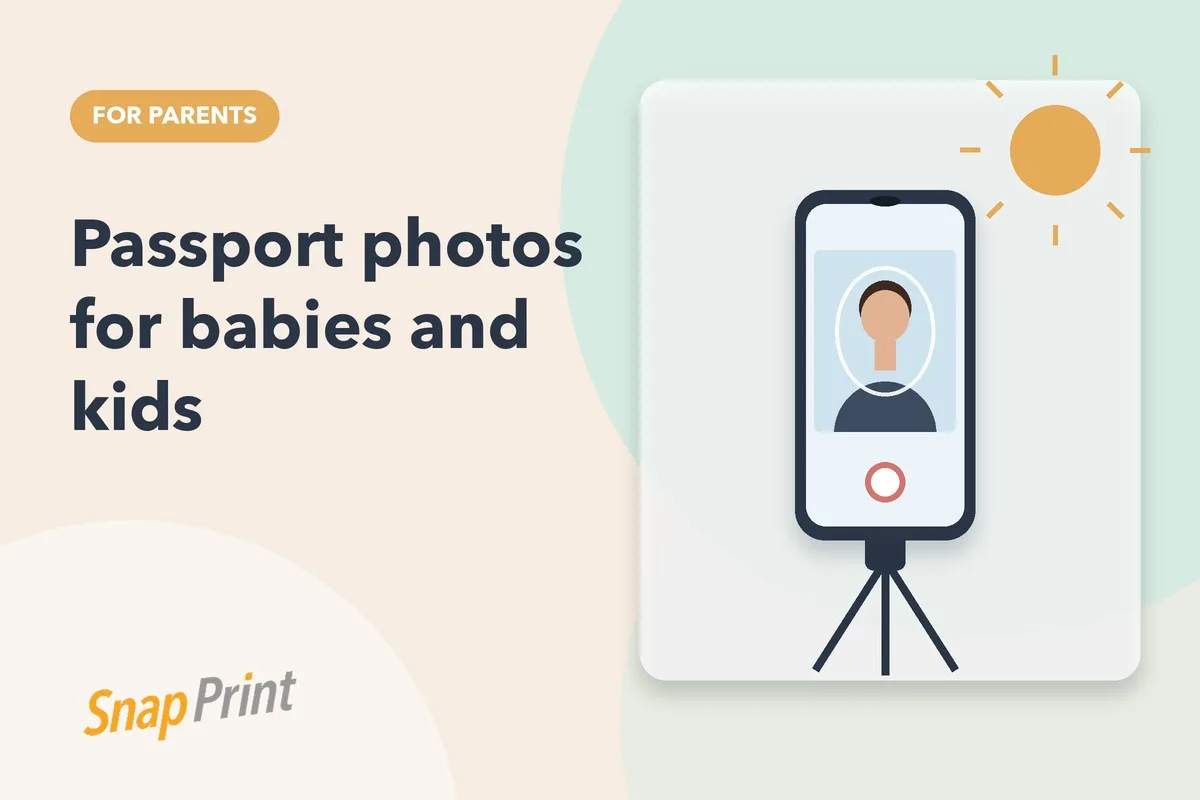
Hold the phone steady or rest it on a shelf. Wipe the lens before you shoot.
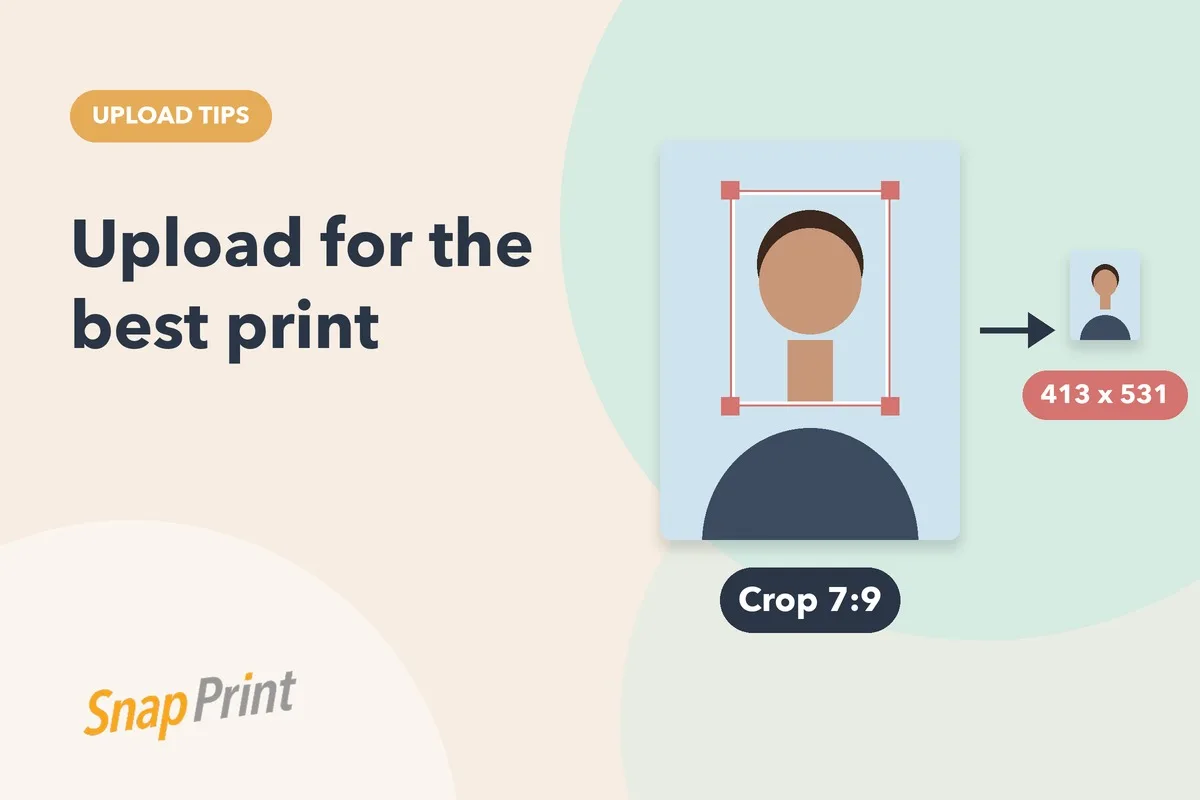
Do not crop it too tight
Leave room. We can crop down to the size you choose, but we cannot add back what was cut off.
Do not filter it
Turn off beauty modes and filters. They change how you look and can cause rejection.
Upload and choose your size
On the product page, upload your photo, pick the size your form needs and the background colour, and order.
What a good source photo looks like
- Your face fills a reasonable part of the frame, with space around the head
- The background is plain and the lighting is even
- The photo is sharp when you zoom in on your eyes
- It was taken recently and looks like you
Phone camera settings that help
- Use the rear camera, which is sharper than the selfie camera on most phones
- Turn off beauty mode, filters and portrait blur
- Use the timer so the phone does not shake when you press the button
- Leave HDR on only if it does not change your skin tone
Common upload problems
- The upload is slow or fails: check your internet and try again with the original file.
- The preview looks cropped: the form may show a different crop, and we adjust it to the size you choose.
- The photo looks small: upload the original, not a thumbnail copy.
Before you press order
Check the size, the background colour and the delivery address. If you are unsure which size your form needs, send us the form name and country and we will tell you.
Need prints? Upload your photo and order passport size prints from ₹99. We edit the background, print on photographic paper and deliver across India.
Frequently asked questions
What file type should I upload?
Use the original photo from your phone or camera. Common formats such as JPG work well.
Can you fix a bad background?
Yes, background changes are part of the service. A very dark or blurry photo is harder to fix, so a new photo may be better.
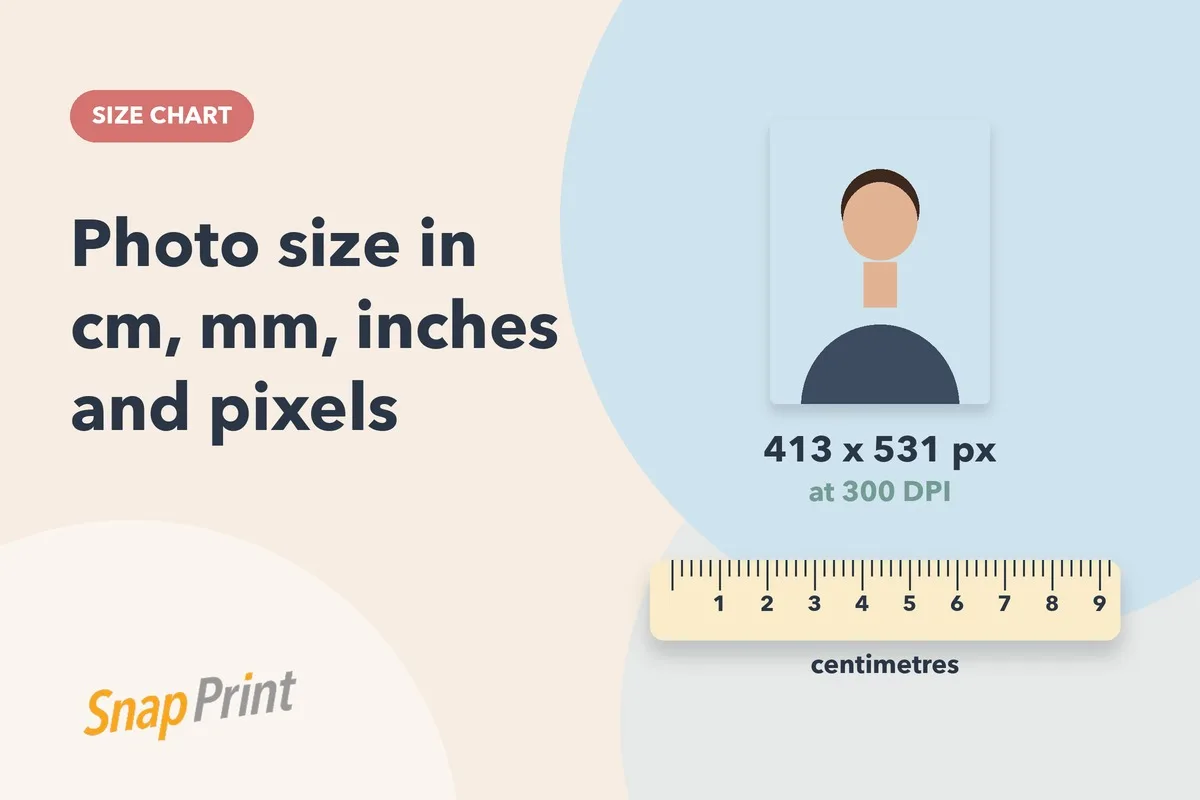
Related: passport photo sizes in cm, mm and pixels, background colour by country and how many photos you need.